VPNs
A VPN shields your traffic in transit, but the VPN company itself can still see it, so trust matters as much as marketing.
By Greg Goodwin · Published October 3, 2026 · Updated October 24, 2026
Cheat Sheet
- A VPN (Virtual Private Network) encrypts internet traffic and routes it through a remote server, masking a user's actual IP address and location.
- VPNs protect data in transit between a device and the VPN server, but they don't make a user anonymous online or protect against malware, phishing, or weak passwords.
- Corporate VPNs, the technology's original primary use case, let remote employees securely access an internal company network as if physically on-site.
- Consumer VPN services are commonly marketed for privacy from internet service providers, bypassing geographic content restrictions, and securing public Wi-Fi connections.
- A VPN provider itself can technically see a user's unencrypted traffic after it exits the VPN server, making the provider's own privacy policy and trustworthiness a genuine consideration.
- Government-level VPN and website blocking exists in some countries, and in certain jurisdictions using an unauthorized VPN itself carries legal risk.
The 60-Second Version
A VPN, or Virtual Private Network, works by encrypting a device's internet traffic and routing it through a remote server, which masks a user's actual IP address and location from the websites and services they connect to. It's important to understand what a VPN actually protects against, since it secures data in transit between a device and the VPN server, but it doesn't make someone truly anonymous online, and it offers no protection at all against malware, phishing attempts, or a weak reused password. VPNs originated primarily as a corporate tool, letting remote employees securely access an internal company network as though they were physically sitting in the office, long before consumer VPN services became widely marketed. Today's consumer VPN services are commonly promoted for three main use cases: privacy from an internet service provider's own tracking, bypassing geographic content restrictions on streaming or other services, and securing an otherwise vulnerable public Wi-Fi connection. A genuinely important but often overlooked detail is that a VPN provider itself can technically see a user's unencrypted traffic once it exits the VPN server, which is exactly why a provider's own privacy policy, jurisdiction, and general trustworthiness deserve real scrutiny rather than blind trust in marketing claims. It's also worth knowing that some governments actively block VPN usage at a national level, and in certain jurisdictions using an unauthorized VPN itself carries genuine legal risk.
The Long Version
Encrypting and Rerouting Your Traffic
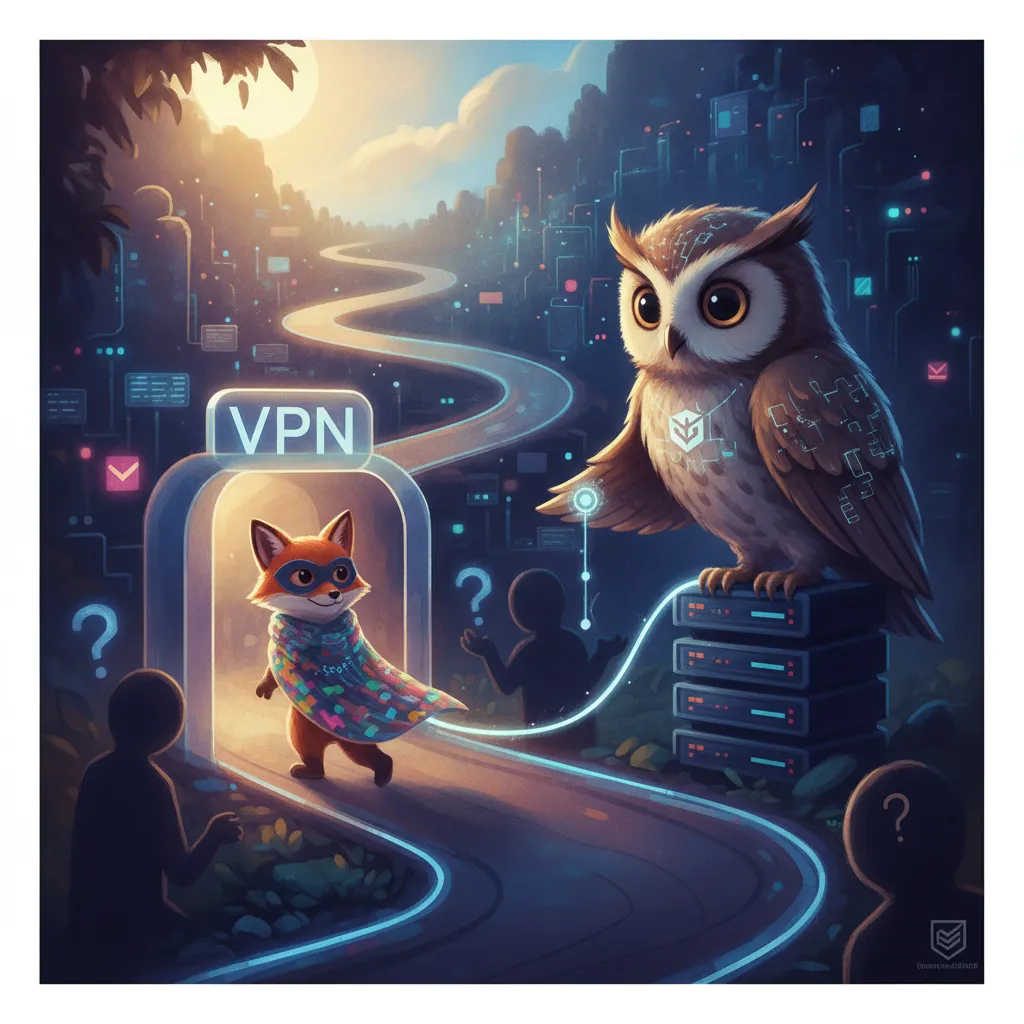
A VPN, or Virtual Private Network, works by encrypting a device's internet traffic and routing it through a remote server, which masks a user's actual IP address and location from the websites and services they connect to, making their connection appear to originate from wherever the VPN server happens to be located instead.
What a VPN Actually Protects, and What It Doesn't
It's important to understand what a VPN actually protects against, since it secures data in transit between a device and the VPN server, but it doesn't make someone truly anonymous online, and it offers no protection at all against malware, phishing attempts, or the much more common security failure of a weak, reused password.
Born as a Corporate Tool
VPNs originated primarily as a corporate tool, letting remote employees securely access an internal company network as though they were physically sitting in the office, a use case that long predates the consumer VPN services that have since become widely marketed to the general public.
Why Everyday Users Actually Use One
Today's consumer VPN services are commonly promoted for three main use cases: privacy from an internet service provider's own tracking, bypassing geographic content restrictions on streaming or other online services, and securing an otherwise vulnerable connection when using public Wi-Fi at places like airports or coffee shops.
Trusting the Provider, and the Legal Picture
A genuinely important but often overlooked detail is that a VPN provider itself can technically see a user's unencrypted traffic once it exits the VPN server, which is exactly why a provider's own privacy policy, jurisdiction, and general trustworthiness deserve real scrutiny rather than blind trust in marketing claims alone. It's also worth knowing that some governments actively block VPN usage at a national level, and in certain jurisdictions using an unauthorized VPN itself carries genuine legal risk, something worth researching before traveling to or living in such a country.
Why People Care
VPNs are widely marketed as a complete privacy solution, but understanding their actual, more limited scope of protection, and the genuine importance of trusting the provider itself, helps people use the technology for what it's actually good at rather than assuming it offers blanket online anonymity.
Glossary
- VPN (Virtual Private Network)
- A service that encrypts internet traffic and routes it through a remote server, masking a user's IP address and location.
- IP address masking
- The process by which a VPN hides a user's real IP address, making traffic appear to originate from the VPN server instead.
- Corporate VPN
- A VPN configuration letting remote employees securely access an internal company network as if physically on-site.
- No-logs policy
- A VPN provider's claim that it does not record or retain users' browsing activity, a key trust consideration when choosing a provider.
- Geo-restriction bypass
- Using a VPN to appear located in a different region, commonly done to access geographically restricted online content.
Go Deeper
More to Explore
- Two-Factor Authentication
The two-factor method most people use, a text message code, is also the weakest, thanks to SIM-swapping.
- Encryption
The little padlock icon in your browser's address bar represents encryption quietly scrambling your data on essentially every website you visit.
- Ransomware
Ransomware doesn't have to steal a thing: it just locks you out of your own files and charges you for the key.
- Password Security
The single biggest security upgrade most people could make costs nothing and takes ten minutes: stop reusing passwords.
- Data Breaches
Most of the damage from a data breach doesn't happen the day it's discovered — it happens months later, when the stolen data finally gets used.