Two-Factor Authentication
The two-factor method most people use, a text message code, is also the weakest, thanks to SIM-swapping.
By Greg Goodwin · Published October 3, 2026 · Updated October 24, 2026
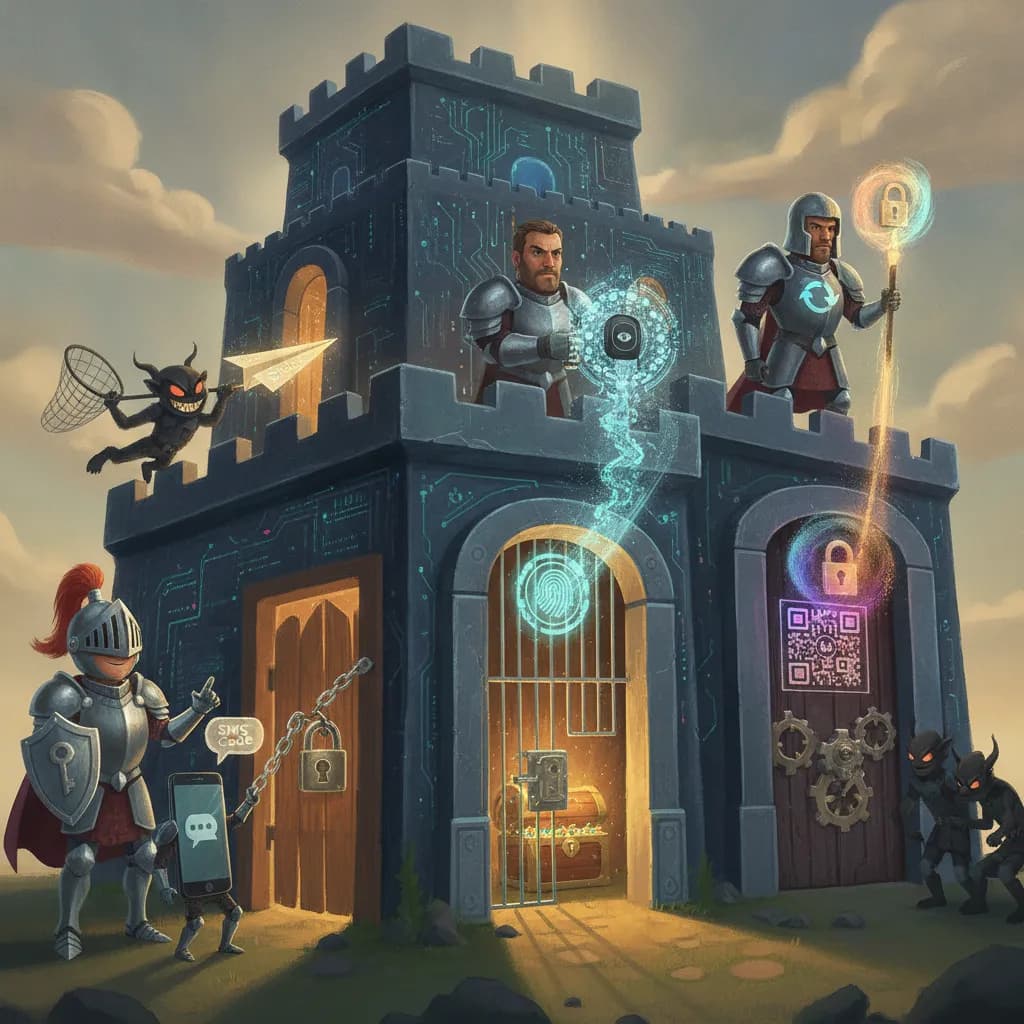
Cheat Sheet
- Two-factor authentication (2FA) requires two distinct proof types to log in, typically combining something you know (a password) with something you have (a phone or security key).
- SMS-based 2FA, while far better than no 2FA at all, is considered the weakest common method due to vulnerability to 'SIM-swapping' attacks.
- Authenticator apps (generating time-based one-time codes) are generally considered more secure than SMS, since they aren't dependent on the phone network at all.
- Hardware security keys (like YubiKeys), using the FIDO2/WebAuthn standard, are widely regarded as the strongest consumer-available 2FA method, resistant to phishing.
- 2FA significantly reduces (though does not entirely eliminate) the risk from a compromised password, since an attacker typically also needs the second factor to gain access.
- 'Multi-factor authentication' (MFA) is the broader term; 2FA specifically refers to using exactly two factors.
The 60-Second Version
Two-factor authentication requires two genuinely distinct proof types to log into an account, typically combining something you know, like a password, with something you physically have, like a phone or a dedicated security key. SMS-based 2FA remains by far the most common implementation, and while it's still meaningfully better than relying on a password alone, it's also widely considered the weakest mainstream method due to its vulnerability to SIM-swapping attacks, where a fraudster transfers a victim's phone number to a new SIM card specifically to intercept those codes. Authenticator apps that generate time-based one-time codes directly on a device are generally considered more secure than SMS, since they don't depend on the phone network at all and therefore can't be undermined by a SIM-swap. At the strongest end of the spectrum, hardware security keys using the FIDO2/WebAuthn standard are widely regarded as the best consumer-available 2FA method, specifically because they're resistant to phishing in a way that one-time codes, which a convincing fake login page can still trick a user into typing in, simply aren't. Across all of these methods, 2FA significantly reduces the risk from a compromised password, since an attacker typically also needs that second factor to actually gain access, even though no method eliminates risk entirely. It's also worth knowing that "multi-factor authentication" is the broader umbrella term, while "two-factor authentication" specifically refers to using exactly two factors.
The Long Version
Two Distinct Proofs, Not Just One
Two-factor authentication requires two genuinely distinct proof types to log into an account, typically combining something you know, like a password, with something you physically have, like a phone or a dedicated security key, a structure designed so that a stolen password alone isn't enough to gain access.
The Common Method Is Also the Weakest
SMS-based 2FA remains by far the most common implementation in practice, and while it's still meaningfully better than relying on a password alone, it's also widely considered the weakest mainstream method due to its vulnerability to SIM-swapping attacks, where a fraudster transfers a victim's phone number to a new SIM card specifically to intercept those verification codes.
A Stronger Alternative That Doesn't Need the Phone Network
Authenticator apps that generate time-based one-time codes directly on a device are generally considered more secure than SMS, since they don't depend on the phone network at all and therefore can't be undermined by a SIM-swap attack the way text-message codes can.
The Strongest Option, Resistant to Phishing
At the strongest end of the spectrum, hardware security keys using the FIDO2/WebAuthn standard are widely regarded as the best consumer-available 2FA method, specifically because they're resistant to phishing in a way that one-time codes, which a convincing fake login page can still trick a user into typing in, simply aren't able to match.
Reduces Risk, Doesn't Eliminate It
Across all of these methods, 2FA significantly reduces the risk from a compromised password, since an attacker typically also needs that second factor to actually gain access, even though no method eliminates risk entirely. It's also worth knowing that "multi-factor authentication" is the broader umbrella term covering any number of required factors, while "two-factor authentication" specifically refers to requiring exactly two.
Why People Care
Understanding the real security differences between SMS, authenticator apps, and hardware keys helps people make an informed choice rather than assuming all "2FA" options offer equal protection, which matters enormously given how often account security actually comes down to which second factor was enabled.
Glossary
- Two-factor authentication (2FA)
- A security process requiring two distinct proof types to log in, typically a password plus a possession-based factor like a phone.
- SIM-swapping
- An attack where a fraudster transfers a victim's phone number to a new SIM card, used to intercept SMS-based 2FA codes.
- Authenticator app
- An application generating time-based one-time login codes, considered more secure than SMS-based 2FA since it doesn't rely on the phone network.
- Hardware security key
- A physical device, such as a YubiKey, used as a highly secure 2FA method resistant to phishing attacks.
- Multi-factor authentication (MFA)
- The broader security concept of requiring multiple proof types to log in, of which two-factor authentication is a specific case.
Go Deeper
More to Explore
- VPNs
A VPN shields your traffic in transit, but the VPN company itself can still see it, so trust matters as much as marketing.
- Encryption
The little padlock icon in your browser's address bar represents encryption quietly scrambling your data on essentially every website you visit.
- Ransomware
Ransomware doesn't have to steal a thing: it just locks you out of your own files and charges you for the key.
- Password Security
The single biggest security upgrade most people could make costs nothing and takes ten minutes: stop reusing passwords.
- Data Breaches
Most of the damage from a data breach doesn't happen the day it's discovered — it happens months later, when the stolen data finally gets used.