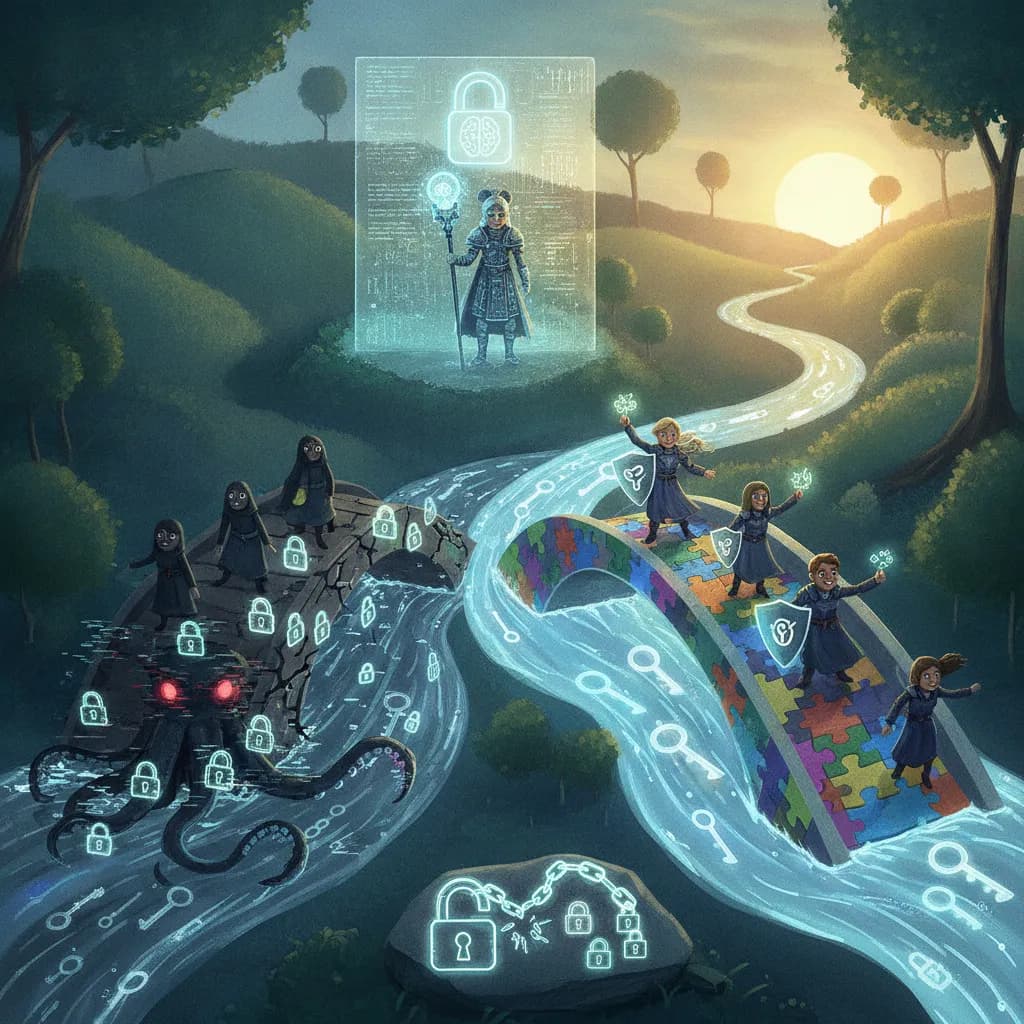
Password Security
The single biggest security upgrade most people could make costs nothing and takes ten minutes: stop reusing passwords.
Cheat Sheet
- A strong password is primarily about length and unpredictability, not complexity rules — a long, random passphrase is generally stronger than a short password stuffed with symbols.
- Password reuse across multiple sites is one of the single biggest security risks — if one site is breached, attackers automatically try the same credentials everywhere else, an attack called credential stuffing.
- A password manager generates and stores unique, complex passwords for every account, so you only need to remember one master password.
- Two-factor authentication (2FA) adds a second proof of identity beyond the password itself, like a code from an app or a physical security key, dramatically reducing the damage from a stolen password.
- Passkeys are a newer, passwordless authentication standard using cryptographic key pairs stored on your device, designed to be both more secure and easier to use than traditional passwords.
- Most major password breaches happen to the company storing your password, not to you directly — which is exactly why reusing passwords turns one company's breach into your problem everywhere else.
The 60-Second Version
A strong password is primarily about length and unpredictability, not complexity rules — a long, random passphrase is generally stronger than a short password stuffed with symbols and numbers. Password reuse across multiple sites is one of the single biggest security risks anyone can take: if one site is breached, attackers automatically try the same stolen credentials everywhere else, an attack known as credential stuffing. A password manager solves this cleanly by generating and storing a unique, complex password for every account, so you only ever need to remember one master password. Two-factor authentication (2FA) adds a second proof of identity beyond the password itself, like a one-time code from an app or a physical security key, dramatically reducing the damage a stolen password alone can do. Passkeys are a newer, passwordless authentication standard using cryptographic key pairs stored on your device, designed to be both more secure and genuinely easier to use than traditional passwords. It's worth remembering that most major password breaches happen to the company storing your password, not to you directly — which is exactly why reusing passwords turns one company's breach into your problem everywhere else you used it.
The Long Version
Length Beats Complexity
For years, common advice pushed complexity rules — requiring a mix of uppercase, lowercase, numbers, and symbols — as the main defense against guessed or cracked passwords. Security researchers now generally agree that length matters far more: a long, random passphrase made of several unrelated words is dramatically harder for an attacker's software to crack through brute force than a short eight-character password loaded with symbols, simply because the sheer number of possible combinations grows enormously with each additional character.
Why Reuse Is the Real Danger
The single most damaging habit in everyday password security is reusing the same password across multiple accounts. When any one website suffers a data breach, and breaches are extremely common, stolen username and password pairs are quickly compiled into lists and tested automatically against countless other websites in an attack called credential stuffing. If you reused that same password on your email or banking account, a breach at some completely unrelated website can directly compromise accounts you consider far more important, entirely without anyone specifically targeting you.
Password Managers and 2FA
A password manager solves the reuse problem directly: it generates a long, unique, random password for every single account and stores them all securely, encrypted behind one strong master password you actually memorize. Two-factor authentication adds an entirely separate layer of defense, requiring a second proof of identity, commonly a time-limited code from an authenticator app, a text message, or a physical security key, in addition to the password itself. Even if a password is somehow stolen or guessed, 2FA generally stops an attacker from actually getting into the account, since they'd also need that second factor.
Passkeys: The Password-Free Future
Passkeys represent a more fundamental shift, replacing the memorized password entirely with a cryptographic key pair: a private key stored securely on your own device and a public key held by the website, verified without the actual secret ever being transmitted or stored on a server that could later be breached. Because there's no shared secret to steal in a data breach and no password to phish in the first place, passkeys are considered both meaningfully more secure than traditional passwords and, since they typically just require a fingerprint, face scan, or device PIN, noticeably easier to use in daily life.
Ad slot (placeholder — set NEXT_PUBLIC_ADSENSE_SLOT_ID once an ad unit is created)
Glossary
- Credential stuffing
- An attack where stolen username/password pairs from one breach are automatically tried against many other websites.
- Password manager
- Software that generates and securely stores unique passwords for every account behind a single master password.
- Two-factor authentication (2FA)
- A login process requiring a second form of verification beyond just a password.
- Passkey
- A passwordless login method based on cryptographic key pairs rather than a memorized secret.
- Brute-force attack
- An attack that systematically tries many password combinations until the correct one is found.