Wi-Fi
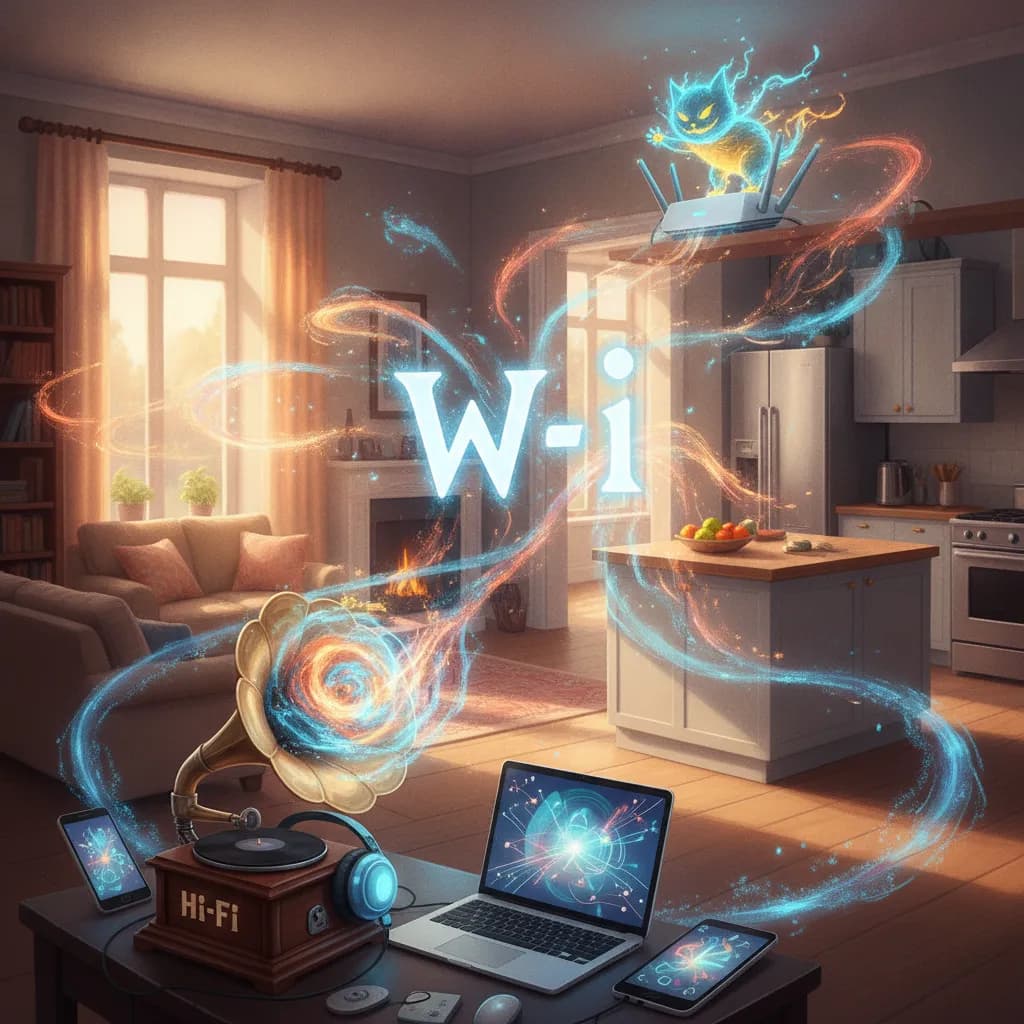
Invisible radio waves, a pun on hi-fi, and the reason your living room has a worse signal than your kitchen.
By Greg Goodwin · Published October 24, 2026
Cheat Sheet
- Birth: the original IEEE 802.11 standard was finished in 1997 and delivered up to 2 Mbps on the 2.4 GHz band.
- First big hit: 802.11b, from 1999, raised speeds to 11 Mbps.
- Naming scheme: since October 2018, 802.11n is Wi-Fi 4, 802.11ac is Wi-Fi 5, 802.11ax is Wi-Fi 6, and 802.11be is Wi-Fi 7.
- 6E: Wi-Fi 6E is Wi-Fi 6 operating in the 6 GHz band.
- Certification: the Wi-Fi Alliance launched its Wi-Fi 7 certification program in January 2024.
- Wi-Fi 7 headline feature: channels up to 320 MHz wide, where 6 GHz spectrum is available to Wi-Fi.
The 60-Second Version
Wi-Fi is the technology that lets phones, laptops, TVs, and countless other gadgets join a local network over radio waves instead of cables. A router or access point sends and receives data on radio bands such as 2.4 GHz, 5 GHz, and more recently 6 GHz, and your device talks to it from across the room. The name is a brand, not a technical term; the engineering underneath is a set of standards called IEEE 802.11, first completed in 1997. A trade group called the Wi-Fi Alliance certifies products so gear from different makers works together, and since 2018 it has labeled generations with simple numbers: Wi-Fi 4, 5, 6, and 7. Wi-Fi is not the internet itself. It is the last few meters between your device and the router, which then connects you to your internet provider.
The Long Version
From 802.11 to a Household Name
The first 802.11 standard was finished in 1997 and offered up to 2 Mbps on the 2.4 GHz band, a speed that seems laughable now. The 1999 revision known as 802.11b lifted that to 11 Mbps and made wireless networking practical for homes and offices. Around the same time, the brand name arrived. The industry hired the consultancy Interbrand because "IEEE 802.11b Direct Sequence" was a hard thing to put on a box, and the result, Wi-Fi, was a pun on the audio term hi-fi. Sources say the name was in commercial use by August 1999. The industry group behind it also dates to 1999, though sources differ on early names, with one account describing an organization called WECA that became the Wi-Fi Alliance in 2002.
What the Numbers Mean
For years people had to decode names like 802.11n or 802.11ac. In October 2018 the Wi-Fi Alliance introduced simpler generation names: 802.11n became Wi-Fi 4, 802.11ac became Wi-Fi 5, 802.11ax became Wi-Fi 6, and 802.11be became Wi-Fi 7. The Alliance's own guidance says generations before Wi-Fi 4 are not assigned official names. Wi-Fi 6E is not a separate generation but Wi-Fi 6 extended to the 6 GHz band. The practical benefit is that a box reading Wi-Fi 6 tells you roughly what you are getting, though real speeds depend on your router, your device, and your walls.
Bands, Range, and Why Your Signal Drops
Different bands trade range against speed. Lower-frequency signals such as 2.4 GHz travel farther and pass through walls better, but the band is crowded with other Wi-Fi networks, Bluetooth devices, and even some appliances. Higher bands such as 5 GHz and 6 GHz generally offer more room and faster connections, but they fade more quickly with distance and obstacles. Walls, floors, mirrors, and large appliances all weaken signals, which is why one dead corner of a house is so common. Placing the router in a central, open location, and using additional access points or a mesh system in large homes, usually helps more than buying a faster plan.
The Latest Generation
Wi-Fi 7, based on IEEE 802.11be, reached the Wi-Fi Alliance's certification program in January 2024. The Alliance described it as the first standard built from scratch for the 6 GHz band, and it supports channels up to 320 MHz wide in countries that make the 6 GHz band available to Wi-Fi. At launch the Alliance forecast more than 233 million Wi-Fi 7 devices entering the market in 2024, growing to 2.1 billion by 2028. Early certified chipmakers included Broadcom, Intel, MaxLinear, MediaTek, and Qualcomm. Peak speeds quoted on boxes are laboratory-style maximums, and everyday throughput is far lower.
Keeping Your Network Healthy
A few habits go a long way. Use WPA3 or at least WPA2 security with a strong, unique passphrase, so neighbors and passersby cannot join or snoop on your traffic. Keep router firmware updated, since routers are computers that need patches too. Be cautious on open public networks, where it is smart to rely on encrypted sites and avoid sensitive logins when you can. If a connection feels slow, restarting the router, moving closer, or checking whether many devices are streaming at once will solve more problems than any settings tweak.
Why People Care
Wi-Fi is how most of us reach the internet at home, at work, and in cafes, so a basic grasp of bands, generations, and placement saves money and frustration. Knowing the labels also keeps you from overpaying for a router whose headline speed you will never see.
Glossary
- IEEE 802.11
- The family of technical standards for wireless local area networks that Wi-Fi is built on.
- Wi-Fi Alliance
- The industry group that owns the Wi-Fi brand and certifies that devices work together.
- Band
- A slice of radio spectrum, such as 2.4 GHz or 6 GHz, that wireless signals travel on.
- Channel width
- How wide a slice of a band a connection uses; wider channels can carry more data when conditions allow.
- Access point
- The device, often built into a router, that connects Wi-Fi devices to a wired network.
Go Deeper
More to Explore
- How Search Engines Work
Before a search engine can answer you, automated crawlers have already followed links across the web to find, store, and sort pages.
- Social Media Algorithms
A system that quietly runs a personalized experiment on every single user, constantly testing what keeps you scrolling just a little bit longer.
- Net Neutrality
A principle that boils down to a simple question: should the company that provides your internet connection also get to decide which websites load fastest?
- How the Internet Works
A "cloud" that, underneath all the wireless-feeling convenience, ultimately runs through physical fiber-optic cables laid across the ocean floor.
- Cloud Computing
"The cloud" isn't floating anywhere. It's real data centers packed with servers, sitting in specific places on the map.